
Zoom - Show Details
Zoom
- To zoom in double click on the desired node or subtreemap
-
To zoom out single right click.
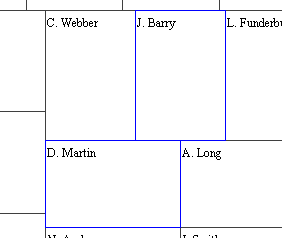
- To select a node to hide, click on the node while pressing the Ctrl key. The node's border will turn blue to show it has been selected. You may select more than one node. Repeat to unselect the node.
Details

- As you move the mouse over the Treemap, a yellow outline will indicate
which node the mouse is over along with a pop-up box indicating the
node's name, attribute values that Treemap 3.2 is coloring and sizing
by.
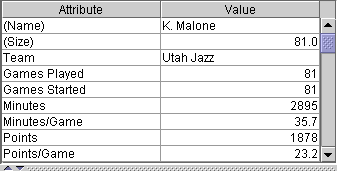
- To view a node's attribute values click on the node. The node's attribute
values will appear in the upper right window.