
Filter with Dynamic Queries
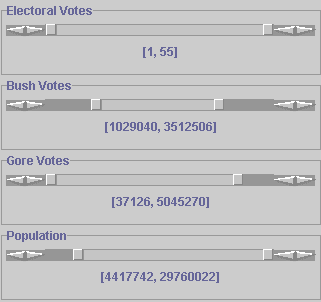

- To perform a dynamic query, slide the double sliders to the preferred
range of the data you wish to include. As you change the range, the
nodes in the Treemap that are not in this range will be gray.
-
You can change the slider values of as many attributes as you want.
-
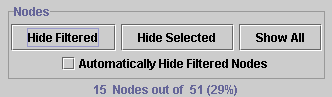
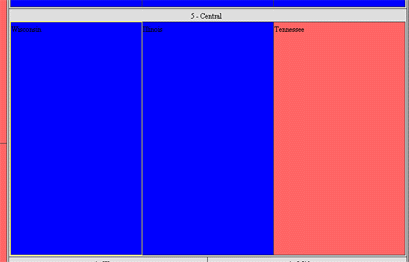
Once you have finished adjusting the sliders to the preferred values, click on the Hide Filtered button. Treemap 3.2 will redraw the Treemap with only the nodes that satisfy the slider values.
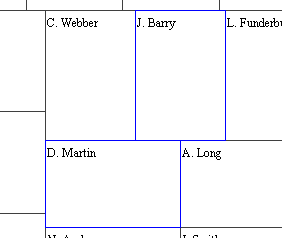
- To arbitrarily remove nodes, single click on the node while holding
the Ctrl key down. The node's border will become blue. You may select
as many nodes as desired.

- To hide the nodes you have selected which are designated by their blue border, click on the Hide Selected button.
- Show All - Shows all of the nodes of the Treemap. All hiddens nodes will reappear.
- Automatically Hide Filtered Nodes - Automatically removes nodes as they are filtered from the Treemap when checked. This can result in a lower animation.
- Maximum depth - Adjusts the depth of the Treemap that is displayed.