
Print
Print the Treemap

- To print the Treemap, select File from the menu bar and click on Print
Treemap.
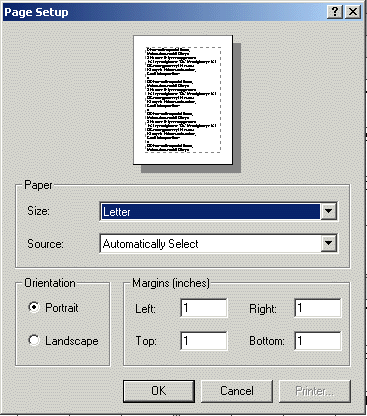
- A page setup dialog box will appear. Make sure the settings are correct and click OK.

- Another dialog box will appear, showing the number of pages to be
printed as 1 to 9999. This is a Java bug and only one page will be printed. Click OK.
- The Treemap will resize to fit in the page setup. In the case of the squarified treemap a few nodes may move from their original position because of resizing.
Print the Control Panel

- To print the Control Panel, select File from the menu bar and click
on Print Panel.
- A page setup dialog box will appear. Make sure the settings are correct and click OK.
- Another dialog box will appear, showing the number of pages to be printed as 1 to 9999.
This is a Java bug and only one page will be printed. Click OK.
- The Control Panel will resize to fit in the page setup.